Instant tweet translation
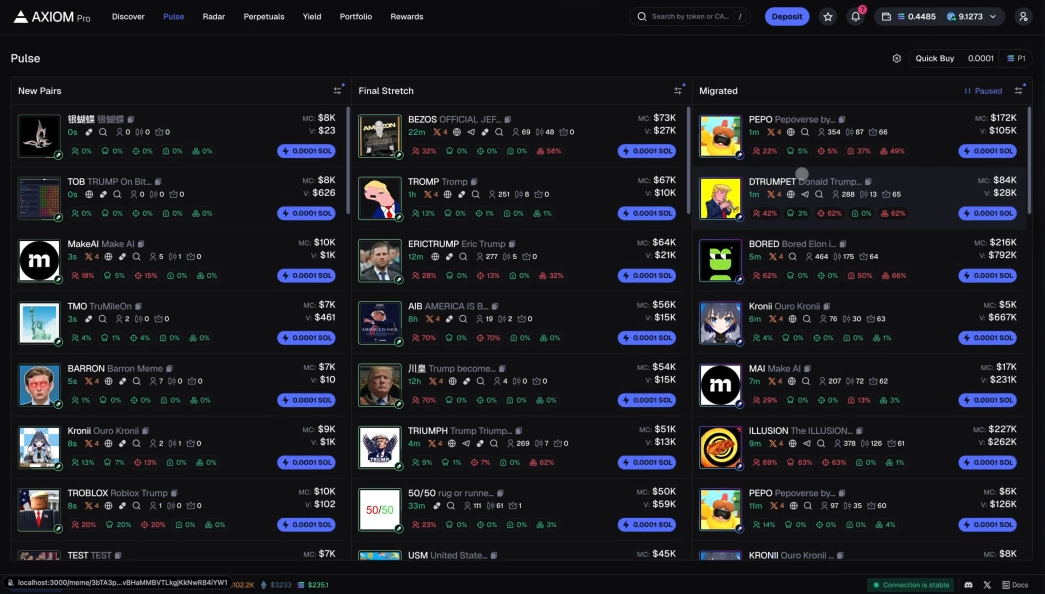
Foreign-language tweets become readable right inside Axiom, so you can keep scanning without switching tools.
Built for axiom.trade power users
Read coin tweets faster with instant translation and optional X follower counts.

Why it feels fast
Designed for traders who want fast context without switching tabs or breaking focus.
Foreign-language tweets become readable right inside Axiom, so you can keep scanning without switching tools.
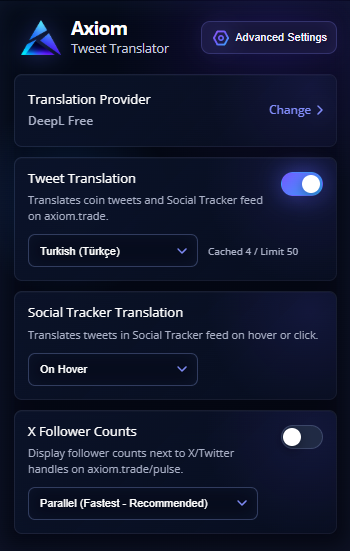
Choose hover or click translation based on how you like to scan fast-moving feeds.
See public follower counts near X handles and judge social weight at a glance.
Use DeepL or Google GTX and switch providers anytime from the extension settings.
Product screens
From quick popup controls to in-page translation, everything is placed where traders already work.
Get readable context where the tweet appears, while keeping the original nearby when you need it.
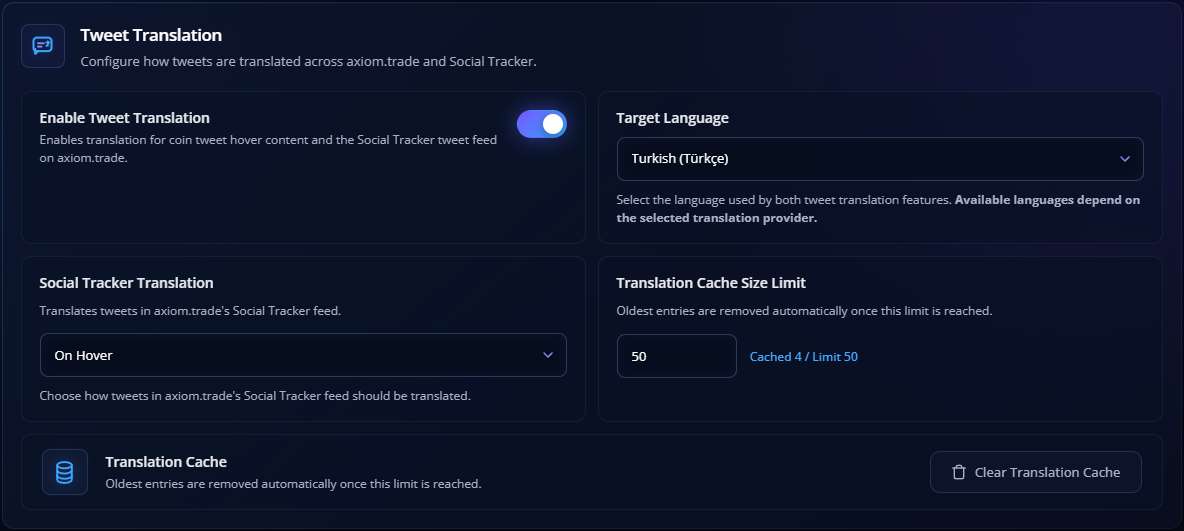
Toggle translation, change language, and adjust key settings from the popup.
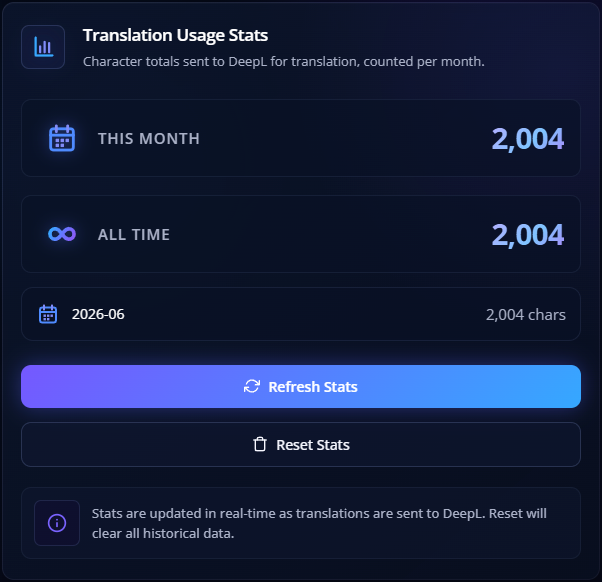
See monthly and all-time translation activity so you always know your usage.
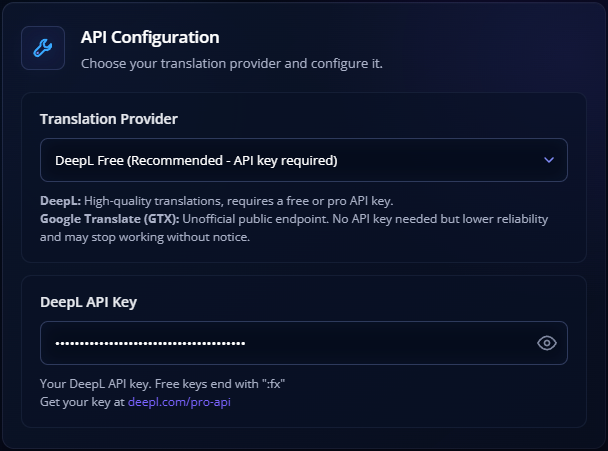
Provider choice, target language, translation modes, and local settings stay easy to manage.
How it works
Add the extension from the official Chrome Web Store listing.
Pick DeepL or Google GTX and set your preferred language.
Browse axiom.trade normally and read translated context in your flow.
Privacy-first
Your sensitive setup stays on your device. The extension is built to give you translation context without collecting personal trading data.
Read the Privacy PolicyFAQ
No. It is designed specifically for Axiom, so the experience stays focused.
Only if you choose DeepL. You can also use the Google GTX option without adding a key.
No. X follower counts are optional and can be toggled from the popup/settings.

Install the extension and read global social signals faster on Axiom.
 Add to Chrome (Web Store)